
Cricket, football, Live Casino — all on your smartphone. The 11kk app gives you live scores, real-time odds, and lightning-fast payouts, all in one place.
Free to download. No hidden charges.
11kk delivers a seamless experience on both Android and iOS
Download the APK file directly from our site and install it. No Google Play Store needed — safe, fast, and simple.
Before installing, go to Settings > Security > Unknown Sources and enable it.
IPhone and iPad users can access the download link directly from our website. It's also available on the App Store.
Follow the App Store instructions. Download is free.

Installing an APK for the first time? Just follow the steps below — it only takes a few minutes.
Go to your phone's Settings > Security (or Privacy) > Unknown Sources and turn it on. This allows you to install apps from outside the Google Play Store.
Tap the "APK Download" button on this page. The file will be saved to your Downloads folder.
Once the download is complete, tap the notification or open the Files / My Files app and navigate to the Downloads folder.
Tap the APK file, then hit the "Install" button. Once installation is complete, tap "Open" to launch the app right away.
If you already have an account, log in. If not, sign up in 30 seconds. That's all it takes.
On your iPhone or iPad, open Safari or Chrome and visit the 11kk download page.
Tapping the "iOS Download" button will redirect you to the App Store page, or the file download will begin directly.
Go to Settings > General > VPN & Device Management and mark 11kk as trusted (required on first install).
Enable Biometric Login in the app — after that, you can sign in with a single touch, no password required.
Allow Push Notification access — get match reminders, bonus offers, and deposit confirmations delivered directly to you.
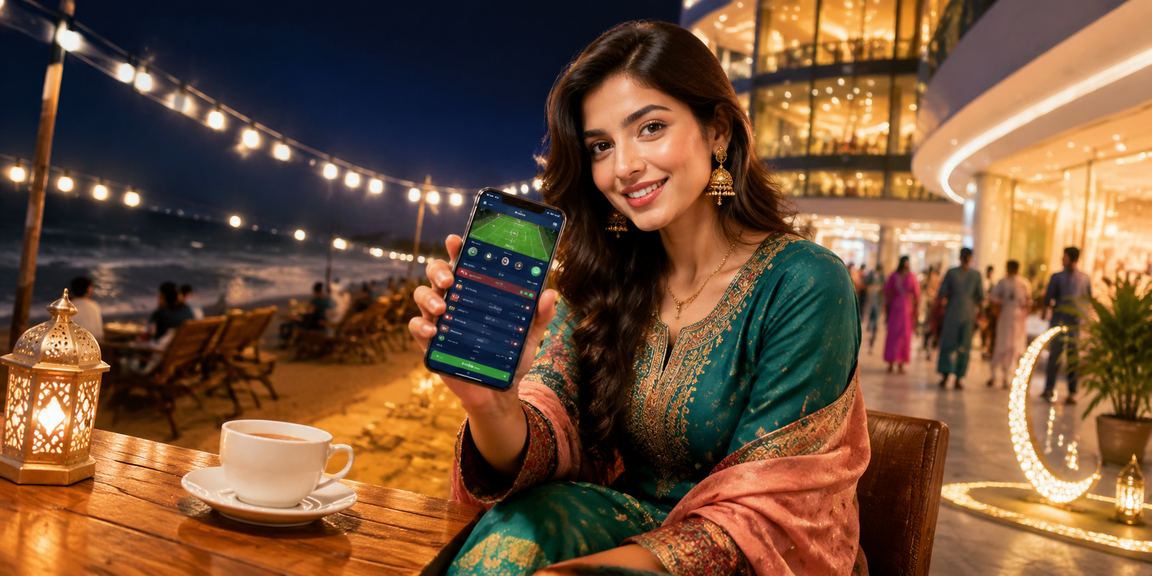
More than just a website — the 11kk app delivers a faster, smoother experience
3x faster than the browser — the full platform loads in just 1.5 seconds.
Log in securely with a single touch using your fingerprint or Face ID.
Get push notifications for match kick-offs, goals, wickets, and bonus updates — all in real time.
Watch selected matches live right in the app, with your bet slip open alongside.
The full interface uses a dark theme — easier on the eyes and better for battery life.
Even without an internet connection, you can still view scores, betting history, and your balance.
Every button, menu, and support option in the app is available in Bangla.
When a new version is available, the app will notify you and update itself — no extra steps needed.
Bangladesh now has over 170 million mobile users, and most people access the internet on a smartphone, not a computer. 11kk built the app with that reality in mind. While the desktop site looks great on a large screen, mobile users sometimes run into friction — that's not an issue with the 11kk app. The entire layout is designed from the ground up for mobile.
Many people wonder why they'd need a separate app when the browser already does the job. The difference becomes clear the moment you use it. With the browser, you have to log in every time, remember your password, and wait for the page to reload if a tab closes. With the 11kk app, set up biometrics once and you're in with just a fingerprint or face scan. The app also runs in the background, so live match scores and updates come through as real-time push notifications.
Online betting apps in Bangladesh are generally not available on the Google Play Store due to policy restrictions. That's why platforms like 11kk provide APK files directly. There's nothing to worry about — the 11kk APK comes from a verified source and undergoes a security review before every release.
Installing the APK requires just one extra step — enabling Unknown Sources. You only need to do this once; it won't be required for future updates. And having Unknown Sources enabled won't allow any other app to install on its own unless you manually open that file yourself.
Almost everything on 11kk is available through the browser — no app needed. Sports Betting, Live Casino, payments — it all works. The only things exclusive to the app are push notifications, biometric login, and offline score viewing. If you play occasionally, the browser is perfectly fine. But for anyone who regularly bets on cricket or football, the app is a much better experience.
Internet speeds can still be inconsistent in many parts of Bangladesh. The 11kk app includes a Low Data Mode that reduces images and animations, loading only essential content faster. It's a great way to save mobile data. Battery optimization is solid too — your phone won't overheat even during live betting sessions.
Your login credentials, payment data, and betting history in the 11kk app are fully encrypted. The app only requests the permissions it actually needs — notifications, storage (for downloads), and camera (for KYC verification). It does not access data from any other app on your device.
With two-factor authentication (2FA) enabled, even if someone gets hold of your password, they still can't log in without the OTP. The 11kk security team also monitors suspicious login activity daily and alerts you immediately if anything unusual is detected.
You can use 11kk either way, but here's what sets them apart
| Feature | 📱 App | 🌐 Browser |
|---|---|---|
| Loading Speed | ✔ Lightning Fast | Moderate |
| Biometric Login | ✔ Supported | — None |
| Push Notifications | ✔ Supported | — None |
| Live Betting | ✔ Full | ✔ Full |
| Offline Scores | ✔ Supported | — None |
| Payment Options | ✔ Full | ✔ Full |
| Data Saver Mode | ✔ Available | — None |
| Live Streaming | ✔ Available | Limited |
| Battery Usage | Optimized | More |

Straight answers to the most frequently asked questions